
TRAI Network Anubhav: How to Check Mobile Network Speeds in Your Pune Area and File Spam Complaints Online
TRAI’s new Network Anubhav portal maps real speed tests by location and adds DND and spam complaints on the web. How to use it to compare networks in Pune.
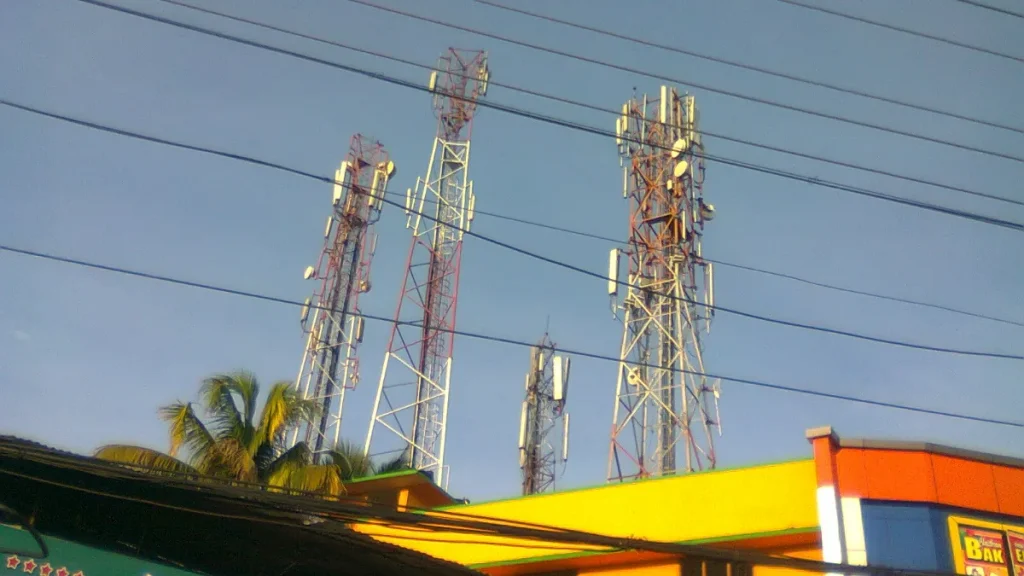
Photo: Suresh Babunair / CC BY 3.0, via Wikimedia Commons
Pune, 10th November 2026: The Telecom Regulatory Authority of India (TRAI) has launched Network Anubhav, a free web portal that shows real mobile and broadband speed tests on a map. You can use it to compare operators in your own area, and also to manage Do Not Disturb (DND) settings and file spam complaints from a browser.
The platform went live on Wednesday, 4 November at anubhav.trai.gov.in.
What Network Anubhav shows
The map combines three kinds of data, according to TRAI as reported by The Week (PTI):
- Speed and call tests run by users on TRAI’s MySpeed and MyCall apps
- TRAI’s own independent drive tests
- Coverage maps of each provider
You can choose cellular (mobile) or fixed broadband, then filter by operator and by technology such as 4G or 5G. Download and upload speeds are shown with tables and downloadable reports.
How to read the speed numbers
TRAI shows speeds as percentiles, not one average:
- P50 is the median. Half the tests were faster, half slower.
- P80 (for mobile) means 80 per cent of tests recorded that speed or more.
- P90 (for fixed broadband) means 90 per cent of tests recorded that speed or more.
A high P80 means the network is fast most of the time, not just on a lucky test. Where both user tests and drive tests exist, TRAI says it combines the last five tests, at least one drive test and four user tests, into one value per operator.
How to check your area in Pune
1. Open anubhav.trai.gov.in on a phone or laptop.
2. Pick cellular or fixed broadband.
3. Zoom into your locality, for example Hinjewadi Phase 2, Kothrud or Wagholi.
4. Compare operators using the filters and the table below the map.
5. Use the compare option to check two places, such as your home in Pimple Saudagar and your office in Kharadi.
If your area shows few or no tests, run the MySpeed app a few times from home and office. More tests make the map more useful for everyone nearby.
This is handy before you port your number, choose a new broadband plan, or pick a flat in a new society on the city’s edge, where coverage often lags.
Filing spam and DND complaints on the web
The same portal now has a web version of TRAI’s DND service. You can:
- Set your preferences for promotional calls and SMS
- File a complaint about an unsolicited commercial call or message
- Track the status of your complaint
- See complaint figures by operator
Until now this was mostly done through the mobile app. Spam data is not shown on the map, but it sits on the same site.
What TRAI says, and the limits of the data
TRAI Chairman Anil Kumar Lahoti said the platform would let consumers analyse location-specific network performance, according to ETV Bharat. He called it a step towards transparency and urged people to keep using the MySpeed and MyCall apps.
TRAI itself cautions that user tests are not a full, standards-based audit of network quality. Treat the map as a guide to what other users are seeing, not a guarantee. Results also change with time of day and how crowded a tower is.
For more practical tech guides, see our Tech section and other explainers.
Frequently asked questions
What is TRAI Network Anubhav?
It is a free TRAI web portal, launched on 4 November 2026, that maps mobile and broadband speed tests by location and lets you manage DND settings and spam complaints.
How do I check which network is best in my area?
Open anubhav.trai.gov.in, choose cellular, zoom into your locality and compare operators. More tests in your area make the comparison more reliable.
Can I file a spam call complaint on Network Anubhav?
Yes. The portal has a web DND section where you can file complaints about unsolicited calls or SMS and track their status.
Is Network Anubhav data official?
It combines user tests with TRAI drive tests, but TRAI says user results are not a complete, standards-based assessment of network quality.